Prototyping
A prototype lets you click through and understand a product before a single line of code exists. It is the cheapest way to find mistakes and convince a team or investors.
Delivered by Belownil®, a design and technology studio in Lithuania working with businesses across Europe.
Who it is for
- Startups before MVP development
- Companies planning a portal or system that want to validate the flow
- Sales demos and investor presentations
What is included
What you get
User journeys
Main scenarios from entry to goal.
Interactive prototype
Clickable screens in Figma with real content and transitions.
User testing
Sessions with 5 to 8 users and a list of findings.
Specification for development
Screens, states and logic described for developers.
Portfolio
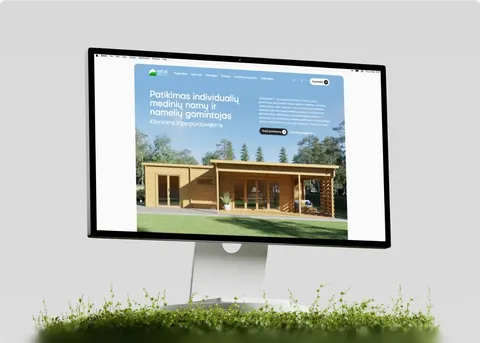
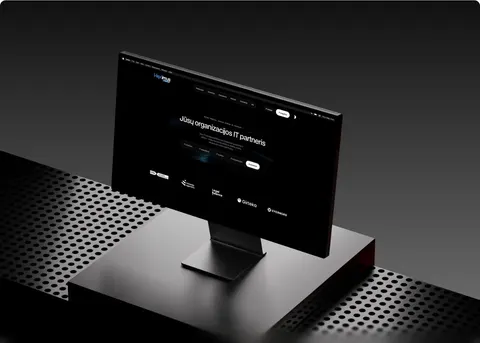
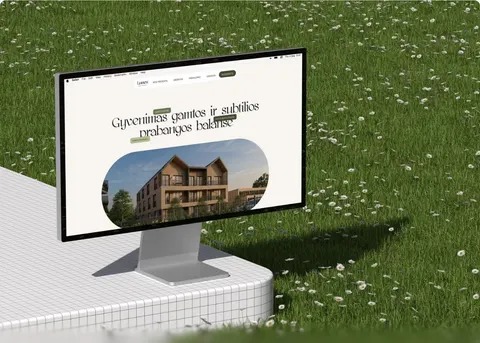
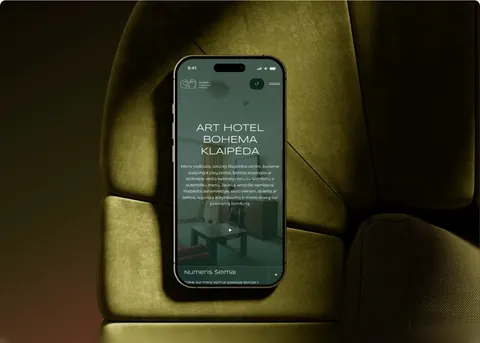
Projects where we did this





How we work
Project flow
Scenarios
We agree on what the prototype must prove.
1
Prototype
We build it, review it together and refine.
2
Tests and hand-over
User tests, findings, hand-over to development.
3
Technologies
Figma
FAQ
Your questions, answered
1
How is it different from mockups?
A prototype works: you can navigate, fill forms, see states. Mockups are static images.
2
Is the prototype reused later?
Yes, it becomes the base for design and the specification for development.
3
How long does prototyping take?
2 to 4 weeks depending on the number of screens.